
Guide
How to Use Phantom Wallet for Solana: Setup, Sending, and Safety
Bottom line: a self-custody wallet — you hold the keys
Phantom is one of the most popular self-custody wallets for Solana. "Self-custody" means you hold the keys, via a recovery phrase (12–24 words). Setup is simple: install from the official site, save your recovery phrase offline, and you can receive, send, swap, and connect to apps. The single most important rule: the recovery phrase is your master key — never type it into any website.
Key takeaways
Phantom = self-custody Solana wallet (also multi-chain). Setup: install from the official site only → create wallet → write the recovery phrase on paper, offline. You can receive/send/swap and connect to apps; transactions cost a tiny SOL fee. Safety: never enter your phrase on a site, read what you sign, and consider a hardware wallet for large balances. New? See What is Solana.
Setup (steps)
- Install from the official site (avoid search-ad fakes; bookmark the URL)
- Create a new wallet and set a password
- Write down the recovery phrase on paper and store it offline, safely
- Receive SOL by copying your address; send by pasting a recipient address and confirming
Core actions
| Action | How |
|---|---|
| Receive | Copy your address and share it with the sender |
| Send | Paste recipient, enter amount, confirm (double-check the address) |
| Swap | Use the built-in swap or connect to an app |
| Connect to apps | Approve the connection, then review each signature |
Safety essentials
- Never enter your recovery phrase on a website — only when restoring in the official app
- No one legitimate (not even "support") will ask for your phrase
- Read what you sign — a single bad signature can move your assets
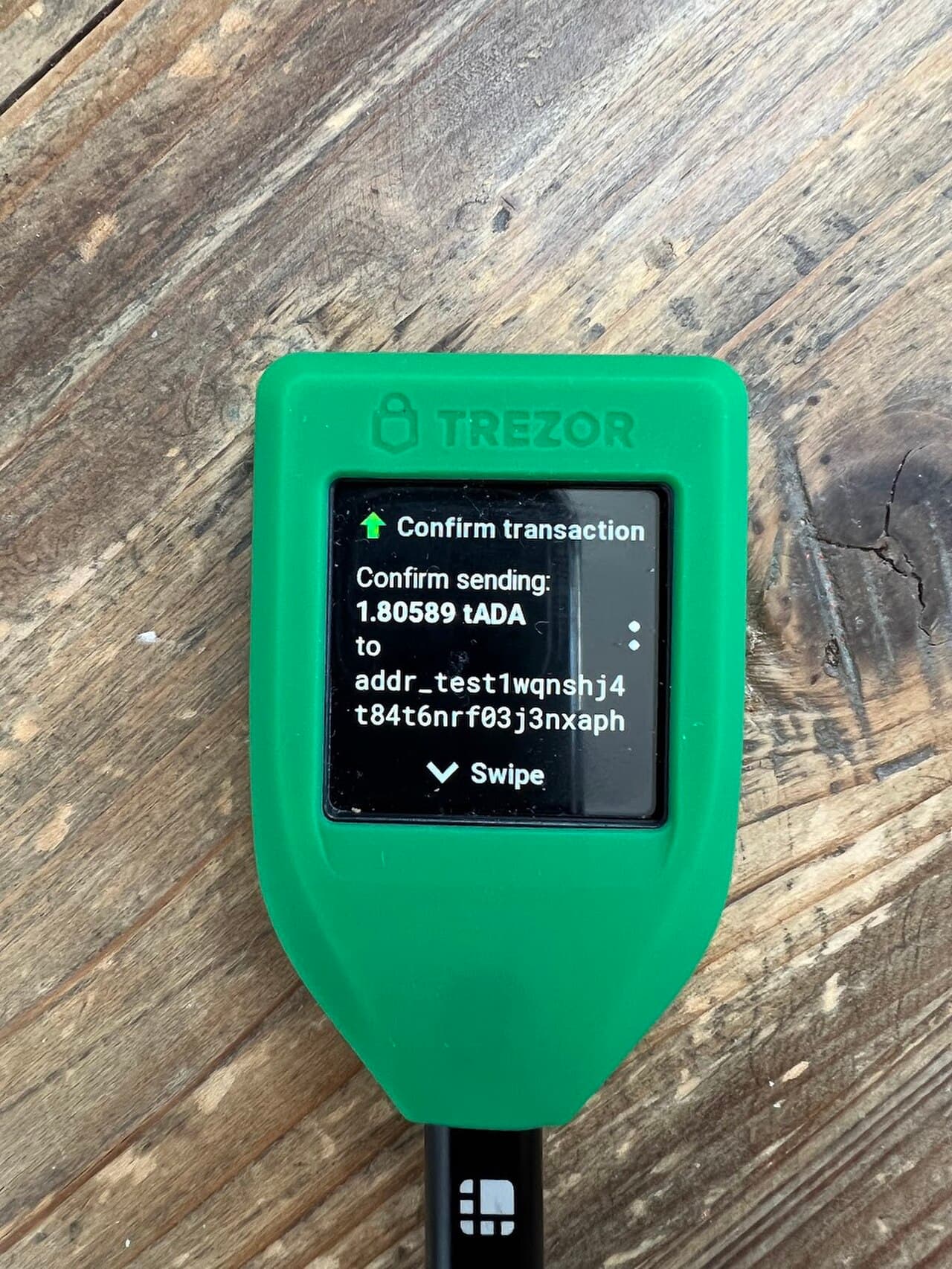
- For larger balances, add a hardware wallet and keep a separate "spending" wallet
Self-custody means self-responsibility
With self-custody, you have full control — and full responsibility. Mistakes and scams cannot be reversed. Protect your recovery phrase and verify every signature.
Read next
- Foundation → What is Solana?
- Grow it → How to stake SOL
FAQ
Q. How do I set up Phantom? A. Install it from the official site, create a wallet, and write your recovery phrase on paper offline. Then you can receive, send, swap, and connect to apps.
Q. What is the recovery phrase? A. A set of 12–24 words that can restore your wallet. It is the master key — never enter it on a website and never share it.
Q. Is Phantom safe? A. It is a reputable self-custody wallet, but safety depends on you. Guard your recovery phrase and review every transaction before signing.
Read next
- Tired of sharing your long wallet address? → What Is Solana Name Service (SNS)? The .sol Domain Explained
Sources
- Phantom official: https://phantom.app/
- Solana official: https://solana.com/
Disclaimer
This article is for general information only and is not investment advice. Crypto assets (including SOL) carry risks such as price volatility, hacking, scams, and network outages. Make your own decisions, verify the latest official sources, and only use funds you can afford to lose.
Sources
FAQ
- How do I set up Phantom?
- Install it from the official site, create a wallet, and write your recovery phrase on paper offline. Then you can receive, send, swap, and connect to apps.
- What is the recovery phrase?
- A set of 12–24 words that can restore your wallet. It is the master key — never enter it on a website and never share it.
- Is Phantom safe?
- It is a reputable self-custody wallet, but safety depends on you. Guard your recovery phrase and review every transaction before signing.
This article is informational only and is not financial, investment, or trading advice. Prices are reference snapshots and may be outdated. Always do your own research.


