Guide
How to Store SOL on a Ledger: Hardware Wallet Setup Basics
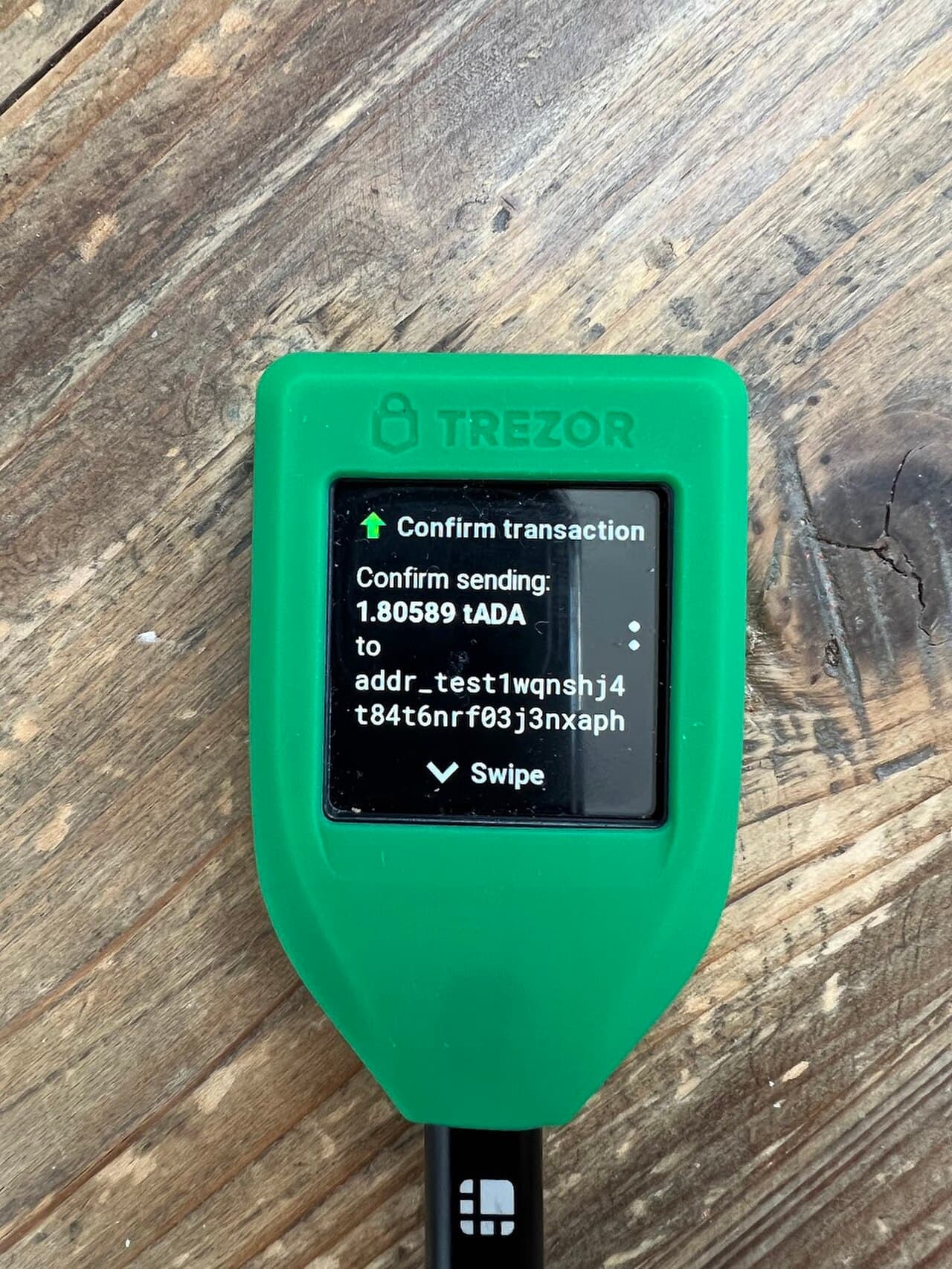
The bottom line: keep your private keys isolated "inside the device"
A Ledger is a hardware wallet that isolates your private keys in a secure area inside the device. Because your keys are never exposed to an internet-connected PC or phone, it holds up well against remote threats like wallet drainers and is well suited to long-term SOL storage. The basic flow is: (1) install the Solana (SOL) app in Ledger Live → (2) connect it to Phantom or Solflare as a hardware wallet → (3) physically approve each transfer on the Ledger device.
Key takeaways
A Ledger is a hardware wallet that isolates your private keys inside the device. Setup = (1) install the Solana app in Ledger Live → (2) connect it to Phantom/Solflare via "connect hardware wallet" → (3) physically approve transactions with the device's buttons. Even so, safely storing your seed phrase (recovery phrase) matters most. For scam prevention, see tactics and defenses.
The setup flow (basics)
- Prepare Ledger Live: install the official app and update your device's firmware to the latest version
- Install the Solana (SOL) app: from "My Ledger" in Ledger Live, install the Solana app
- Connect to a wallet: in Phantom or similar, choose "connect a hardware wallet" and select Solana
- Approve transfers on the device: the transaction details display on the Ledger device, and you approve physically with a button
| Advantages | Things to watch out for |
|---|---|
| Keeps private keys off the internet | Beware of losing the device or recovery phrase |
| Physical approval prevents accidental actions | Beware of fake Ledger Live and fake apps |
| Well suited to long-term storage of large holdings | You still must verify what you are signing |
Cautions (important)
- Generate your recovery phrase yourself when you first set up the device, and store it safely. Never tell it to anyone and never enter it anywhere
- Do not use used or unofficial units that claim to be "pre-configured" (the keys may already be compromised)
- Install only from the official website and official app (watch out for fake sites)
- Even with a hardware wallet, your assets can move if you sign a malicious transaction. Always verify what you are signing
A hardware wallet is not foolproof
A Ledger protects your keys, but if you sign a fraudulent transaction, your assets will move. It is essential to understand scam tactics and to build the habit of checking what you sign.
Read next
- Security → Protect your seed phrase
- Wallets → How to use Phantom
Frequently asked questions
Q. Can I store SOL on a Ledger? A. Yes. Install the Solana (SOL) app in Ledger Live and connect it to Phantom or Solflare as a hardware wallet to store and send SOL.
Q. Am I completely safe just because I have a Ledger? A. No. Your keys are protected, but your assets will move if you sign a malicious transaction. Storing your recovery phrase safely and verifying what you sign are essential.
Q. Is it okay to use a second-hand Ledger? A. Avoid it. Unofficial units that claim to be pre-configured may have compromised keys. Get a genuine unit and set it up yourself.
Sources
- Ledger official (Solana SOL): https://support.ledger.com/article/360016265659-zd
- Phantom official (Ledger connection): https://help.phantom.com/hc/en-us/articles/4406388670483-Use-a-Ledger-wallet-with-the-Phantom-browser-extension
Notes on use and investing
This article is for informational purposes only and is not investment advice. Crypto assets (including SOL) carry risks such as price volatility, hacking, fraud, and network outages. Make all decisions and transactions at your own responsibility, after checking the latest official information.
Sources
FAQ
- Can I store SOL on a Ledger?
- Yes. Install the Solana (SOL) app in Ledger Live and connect it to Phantom or Solflare as a hardware wallet to store and send SOL.
- Am I completely safe just because I have a Ledger?
- No. Your keys are protected, but your assets will move if you sign a malicious transaction. Storing your recovery phrase safely and verifying what you sign are essential.
- Is it okay to use a second-hand Ledger?
- Avoid it. Unofficial units that claim to be pre-configured may have compromised keys. Get a genuine unit and set it up yourself.
This article is informational only and is not financial, investment, or trading advice. Prices are reference snapshots and may be outdated. Always do your own research.