Guide
How to Keep Your Seed Phrase Safe: Secure Storage and the Absolute Don'ts

The Bottom Line: Your Seed Phrase Is the "Master Key" to Everything
Your seed phrase (also called a recovery phrase—12 to 24 words) is the one and only key that can restore your wallet. If anyone else learns it, they can move all your assets remotely—without ever touching your device. Conversely, as long as you protect your seed phrase, you can prevent the majority of Solana security losses. The two cardinal rules: keep it offline and never enter it anywhere.
Key takeaways
Your seed phrase is the sole key to recovering your assets. Store it offline on paper, only enter it when restoring a legitimate wallet, never leave it in photos, the cloud, chat, or email, and remember that even official support will never ask for it. For large holdings, physically isolate your keys with a hardware wallet. For the full picture on scams, see how they work and how to defend yourself.
What to Do (DO)
| Do this | Why |
|---|---|
| Write it on paper and store it offline | If it's never online, it can't be stolen remotely |
| Keep copies in multiple safe locations | Protection against fire and loss |
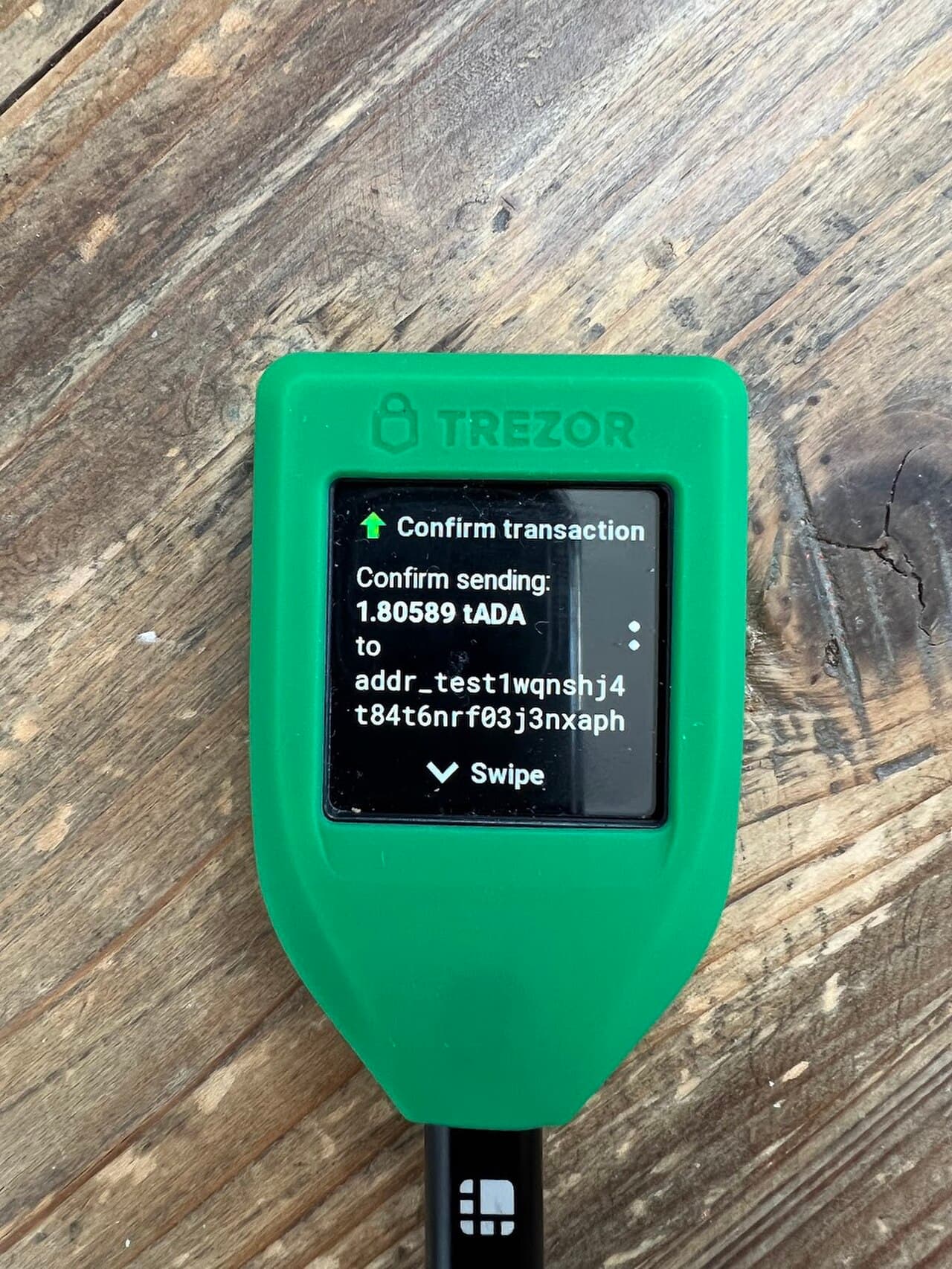
| Use a hardware wallet | Physically isolates your keys from your device |
| Only enter it when restoring a legitimate wallet | Any other request to enter it is 100% a scam |
What Never to Do (DON'T)
- Take a screenshot or photo of it, or save it to the cloud (notes apps, photo sync)
- Paste it into email, chat, messaging apps, or DMs
- Enter it on a website or form (a classic move by fake sites)
- Tell it to "support" or "the team" (official channels will never ask)
- Share it with anyone
Be suspicious of anyone claiming to be "official support"
Anyone who asks for your seed phrase or private key is running a scam, even if they claim to be official. Be especially wary of "support" reached through DMs or search ads.
What to Read Next
- Strengthen your storage → How to store SOL on a Ledger
- Start here → How Solana scams work and how to defend yourself
Frequently Asked Questions
Q. When is it OK to enter my seed phrase? A. Only when restoring your wallet in a legitimate wallet app. Treat any request to enter it on a website, form, or with support as a scam.
Q. Is it safe to store it in the cloud? A. Avoid it. The cloud, photo sync, email, and chat all carry leak risks. Offline storage on paper is the standard.
Q. Can I share my seed phrase with official support? A. No. Official support will never ask for your seed phrase or private key. The moment someone asks, it's a scam.
Sources
- Solana Official (Security best practices): https://solana.com/developers/guides/getstarted/intro-to-security
- Phantom Official (Secret Recovery Phrase): https://help.phantom.com/hc/en-us/articles/4406393831187
A note on investing and security
This article is for informational purposes only and is not investment advice. Crypto assets (including SOL) carry risks such as price volatility, hacking, scams, and network outages. Make your own security and investment decisions at your own risk, and always verify against the latest official information.
Sources
FAQ
- When is it OK to enter my seed phrase?
- Only when restoring your wallet in a legitimate wallet app. Treat any request to enter it on a website, form, or with support as a scam.
- Is it safe to store it in the cloud?
- Avoid it. The cloud, photo sync, email, and chat all carry leak risks. Offline storage on paper is the standard.
- Can I share my seed phrase with official support?
- No. Official support will never ask for your seed phrase or private key. The moment someone asks, it's a scam.
This article is informational only and is not financial, investment, or trading advice. Prices are reference snapshots and may be outdated. Always do your own research.